
PRIVATE BETA
OSRTIME Syncbox TCR
Private Android Beta
Professional SMPTE timecode, LTC synchronization and field recording for Android.
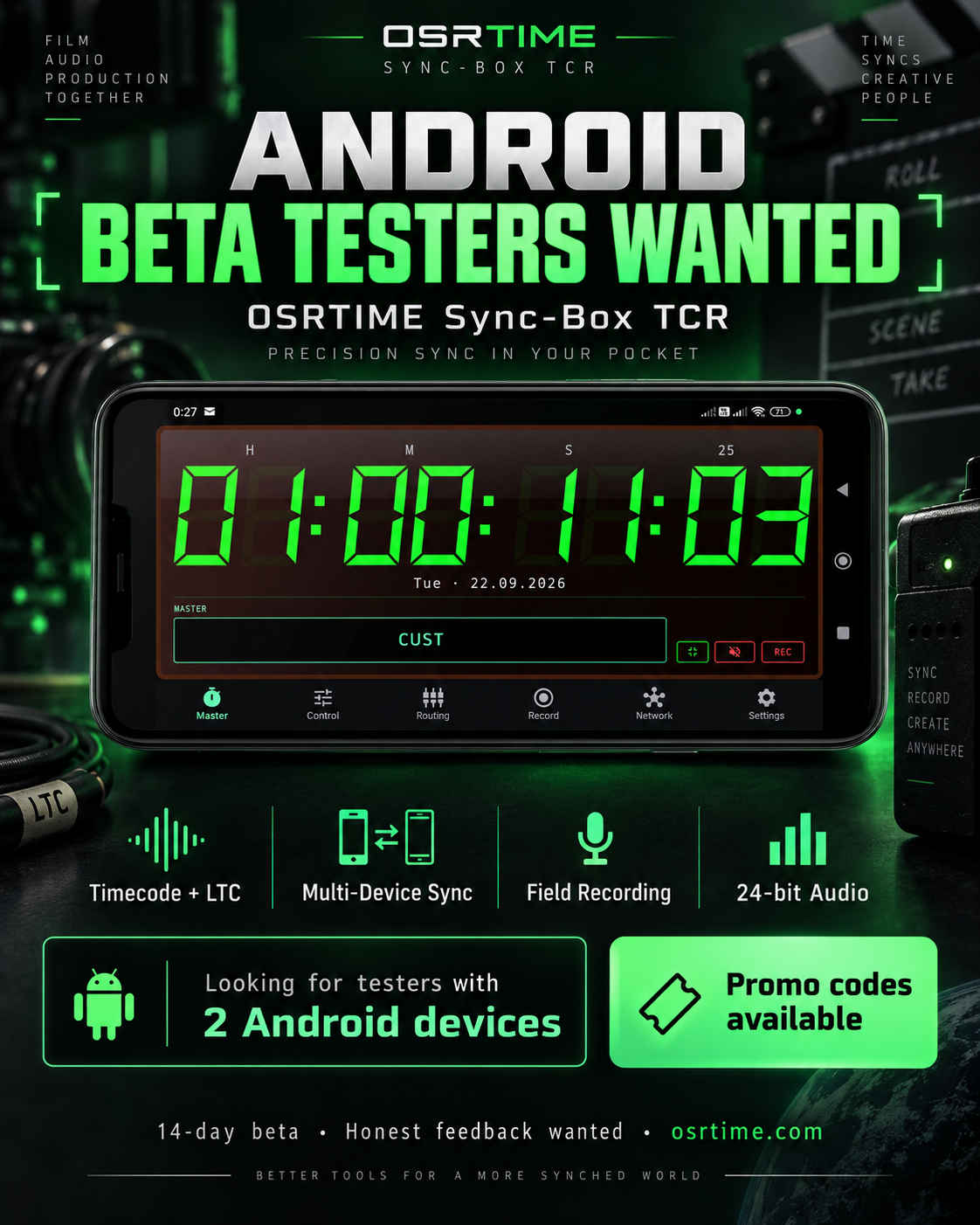
Want to test OSRTIME Syncbox TCR?
Send us an email from the email address associated with your Google Play account. We will add your account to the beta program and send you the Google Play beta access instructions and, where applicable, a promotional code.
Note: Beta access is currently managed manually. Access is not automatic. You must use the Google account associated with Google Play. Participation does not require professional film or audio experience.
How to join the beta
- Contact us from the email address associated with your Google Play account.
- We add that Google account to the private Google Play beta.
- You receive a Google Play beta opt-in link and a promotional code by email.
BETA ACCESS REQUIRED
The beta opt-in link and promotional code are two separate steps. A promotional code alone does not grant access to the private beta.
Step 1: Join the Beta
- Make sure the Google Play Store is signed in with the same Google account that was registered for the beta.
- Open the beta opt-in link and confirm that you want to join the test.
Step 2: Redeem Code & Install
- Open the Google Play Store.
- Go to Profile → Payments & subscriptions → Redeem code.
- Enter the promotional code from your beta email.
- Open the OSRTIME Syncbox TCR Play Store page and install the app.
What you can try
Timecode Engine
SMPTE timecode generation
LTC Workflows
LTC input and output workflows
Wireless Sync
Multi-device synchronization
Field Recording
Professional BWF metadata
USB Audio
Support for USB audio workflows
Usability
General device compatibility
© 2026 OSRTIMEAll Rights ReservedPrivacy / DatenschutzImpressum