
Timecode in 60 Seconds
Timecode identifies frames. It does not automatically equal wall-clock time.
Timecode in 60 Seconds
Timecode identifies frames. It does not automatically equal wall-clock time.
Frame Rate ≠ Timecode
A frame physically exists. Timecode is just the address written on it.
Why 23.976 and 29.97 exist
They are historical remnants from the color TV transition, running exactly 1000/1001 slower than 24 and 30 fps.
24 fps * (1000 / 1001) = 24000 / 1001 ≈ 23.976 fps
30 fps * (1000 / 1001) = 30000 / 1001 ≈ 29.97 fps
Real Time vs. Camera Time
Because 29.97 fps is slower than 30 fps, a timecode counting to 30 will slowly drift away from a real wall clock.
NDF Drift
At TC 01:00:00:00, 01:00:03.600 of real time has elapsed.
What Drop-Frame Actually Does
Drop-Frame changes the labels—not the pictures—to keep the timecode closely aligned with the wall clock.
The 10-Minute DF Cycle
To maintain accuracy, frames ;00 and ;01 are skipped every minute, EXCEPT every 10th minute.
NDF vs. DF
Same physical frames. Different numbering.
Timecode in the Wild
When shooting, your camera writes timecode into the metadata. In an NLE like Premiere Pro, DaVinci Resolve, or Avid Media Composer, the timeline needs to match both the physical frame rate and the timecode counting method (DF/NDF). Otherwise, audio synced via LTC will slowly drift out of phase, or edits will reference the wrong frames.
Universal Timecode Calculator
Change any value below to see how it affects the others.
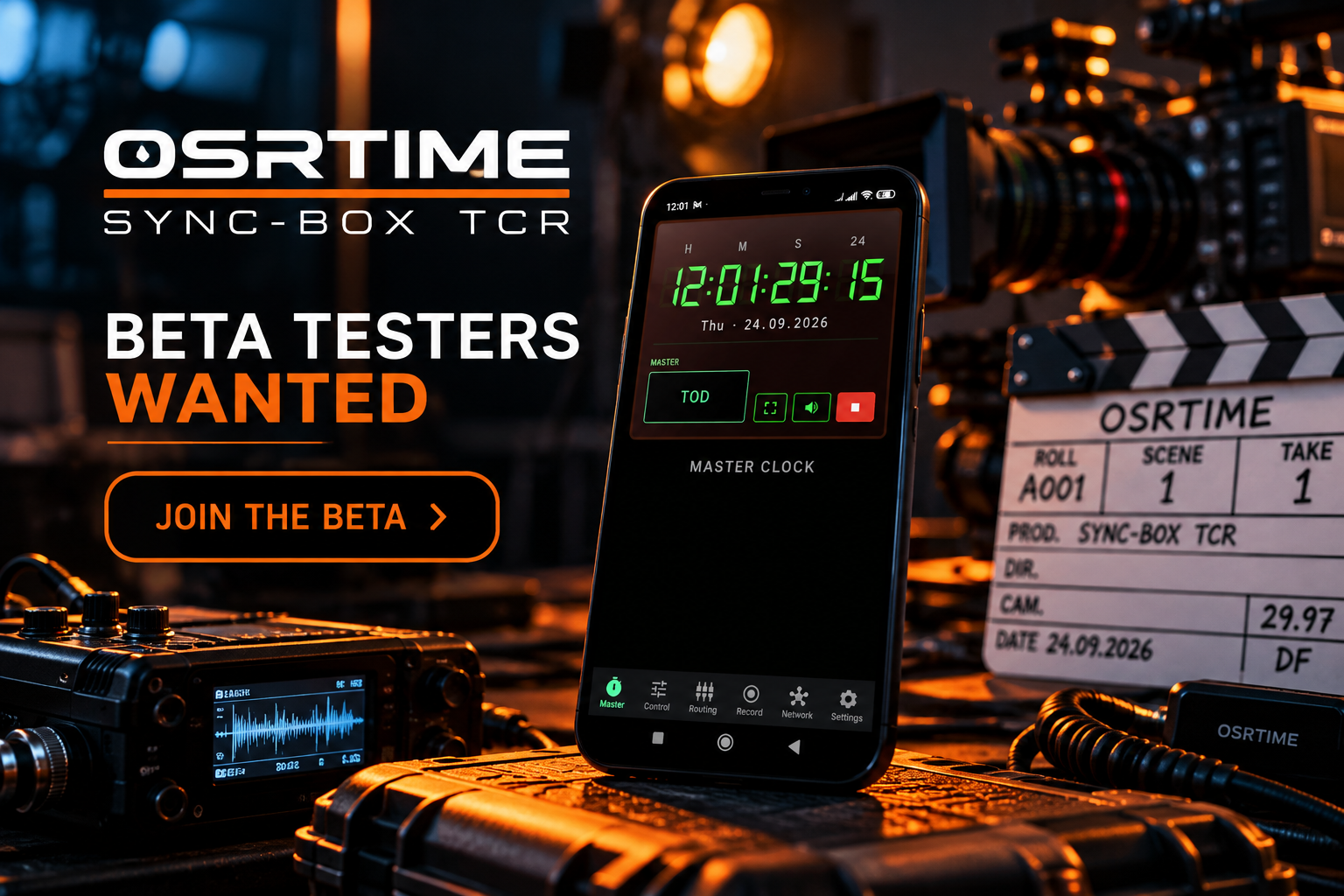
Meet OSRTIME Sync-Box TCR
You've seen how timecode works.
Now take it into a real production workflow — directly on Android.
SMPTE Corner
Deep technical reference for standards and edge cases.
SMPTE ST 12-1
The foundational standard defining Time and Control Code. It specifies the 80-bit structure used for addressing video frames, ensuring consistent interchange across broadcast and production equipment.
LTC (Linear Timecode)
Timecode encoded as an audio signal (Manchester biphase). Because it's audible, it can be recorded onto standard audio tracks, making it a universal method for syncing audio and video devices.
Timecode Label vs. Clock
A timecode is purely an address assigned to a frame. Even if it looks like a clock (HH:MM:SS:FF), it does not measure elapsed time, and standard NDF rates like 29.97 will inevitably diverge from a real wall clock.
User Bits
32 bits within the 80-bit timecode word reserved for user data. Typically used to store the date (e.g., YY:MM:DD), camera roll numbers, or production metadata.
24-Hour Wrap
By standard, timecode rolls over to 00:00:00:00 after 23:59:59:XX. Some continuous recording systems use the date in the User Bits to differentiate days, as the primary counter resets.
High Frame Rate (HFR)
Rates like 50, 59.94, and 60 fps. Historically, timecode was built for max 30 fps. HFR systems either count frames up to 59, or they transmit a 30 fps timecode while adding a flag to indicate the specific field/frame, though modern extensions formally support higher frame limits.